
In order to register a new account with MyCoTeacher, follow these steps:
-
Navigate to the main website at MyCoTeacher - Landing - DEV
-
Press the "Try Now" button in the upper left of the screen
-
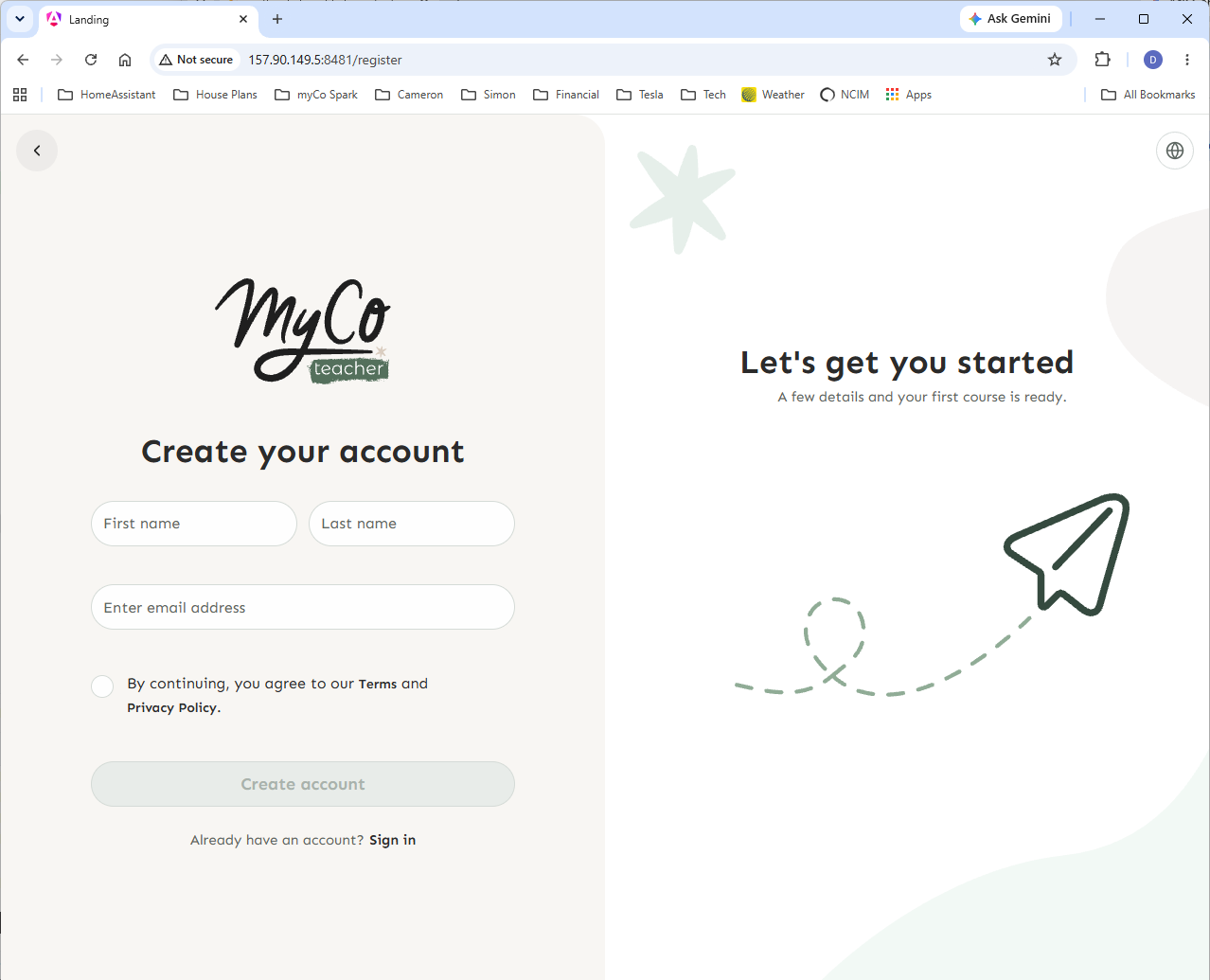
You will be taken to a simple registration form
-
Complete the form and press Create Account - note that you do not provide a password in this step
-
An email will be sent to the email address you provided. That email contains a link that verifies your email address and takes you to a secure page where you can setup your password.
-
You will be taken to a screen that confirms your registration was successful and provides instructions about how to confirm your account and setup your password
-
Check your email inbox for the Account Validation email and click on the link
-
You will be taken to a screen where you can setup a new password for your account
-
Congratulations - you are now registered and can login with the email and password you setup